Create your account
It takes about a minute. You'll need an email, a password, and your BACB certificant number so your certificates are filled out correctly.
Go to OpenCEU and open Sign up
Head to openceu.com and click Log in in the top-right corner, then Create account. You can also go straight to openceu.com/signup.
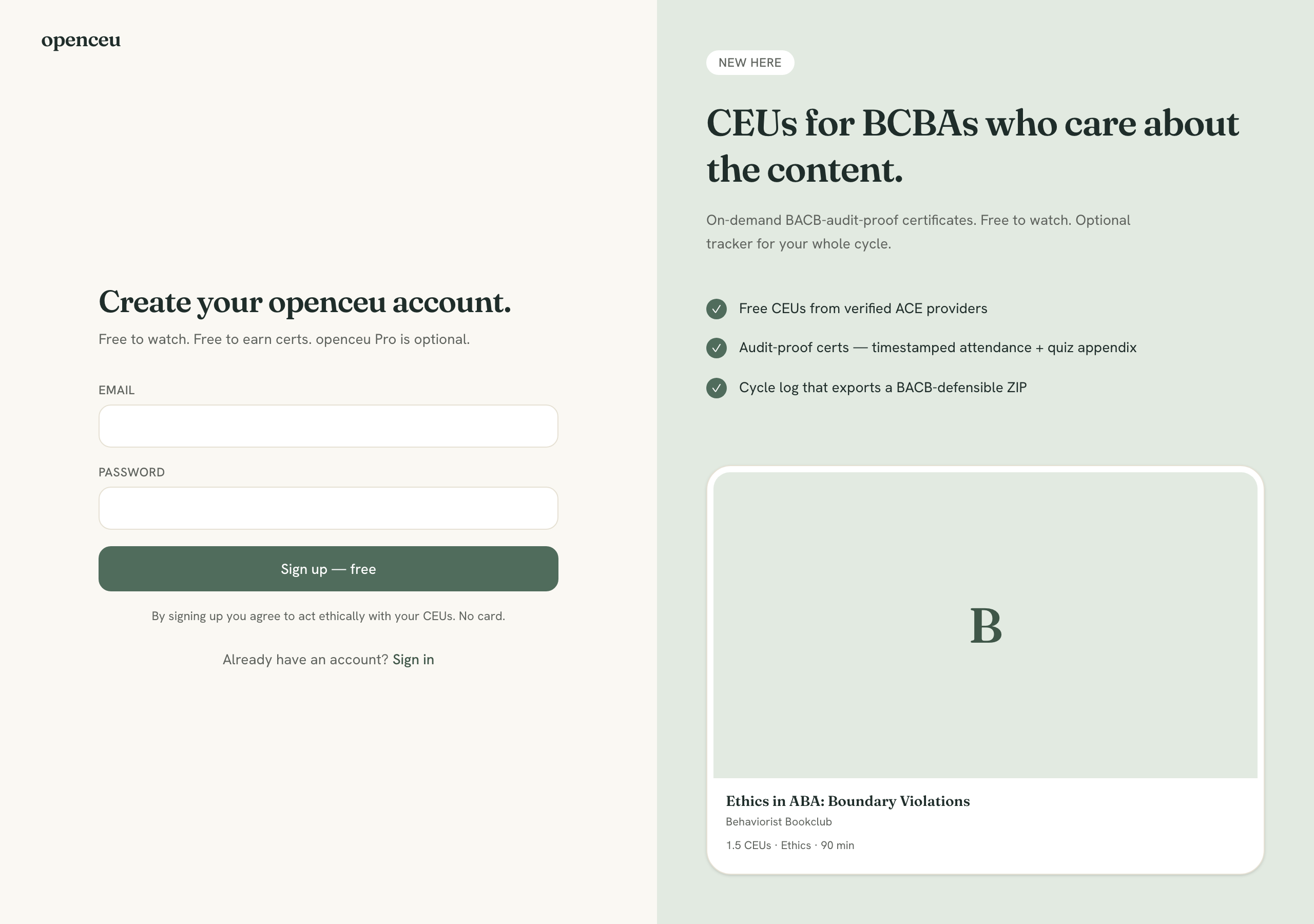
Enter your email and a password
Type your email and choose a password (at least 10 characters), then hit Create account. That's it — there's no confirmation email to wait on. You're signed in right away.
Use an email you check
Pick your role
Right after signing up we ask whether you're a BCBA / BCaBA or an RBT. This decides what you earn and the document you get:
- BCBA / BCaBA — earn CEUs and get an detailed certificate.
- RBT — earn PDUsand get the official BACB “RBT Professional Development” form.
Chose wrong, or skipped it?
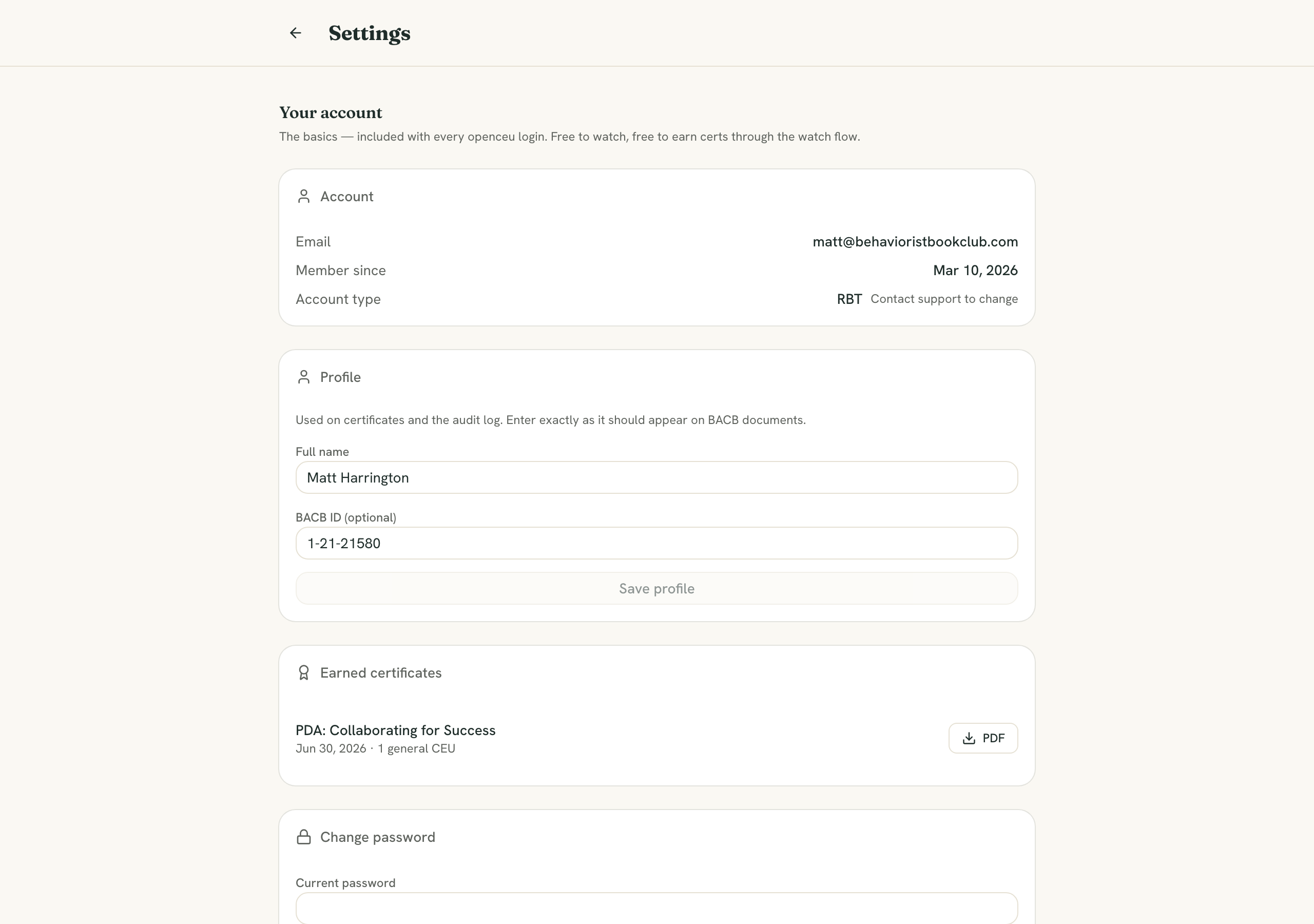
Add your name and BACB number in Settings
Open Settings from the menu and fill in your full name (exactly as it should appear on your document) and your BACB certification number— your BCBA/BCaBA number, or your RBT number if you're an RBT. Click Save.
This step is required for your credit
You're ready. Next up: